PSI Science Testing Software
Connect your PSI Science Lamp or Random Number Generator to a Windows PC using the included USB TTL cable. Explore random walks, ESP experiments, color displays, and number distributions.
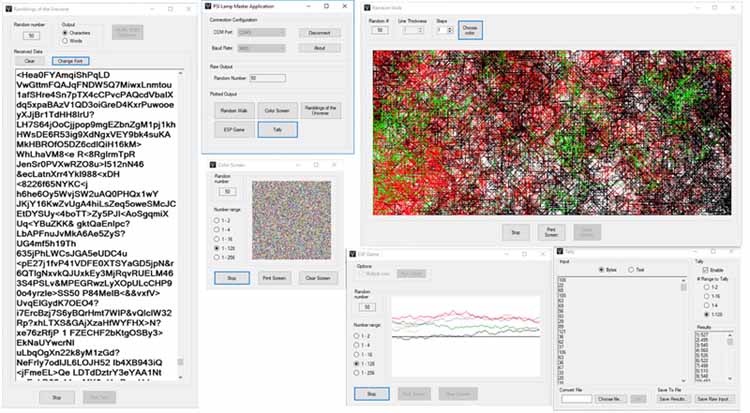
Master Program App
The master program sets the communication parameters between your PSI Lamp or random number generator and the Windows PC.
- Open the COM Port menu and select the port assigned to your USB TTL cable.
- Set the baud rate to 9600.
- Click Connect to begin communication.
Raw Output shows the current random number generated by the device.
Plotted Output lets you select one or all programs to plot simultaneously.
Random Walk
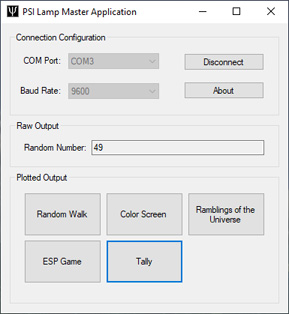
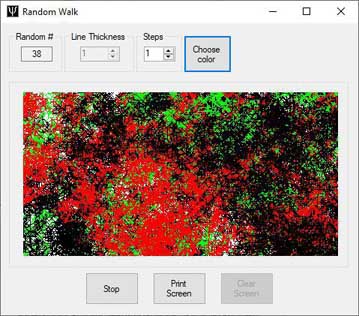
Random Walk generates a line. Each random number selects a direction for the line to move. The line continues slowly in that direction until the next random number arrives, when it may change direction.
Set the line thickness with the Line Thickness box before the plot begins.
Increase the line's speed at any time by increasing the value in the Steps box.
Change the line color at any time by clicking Choose Color.
ESP Game
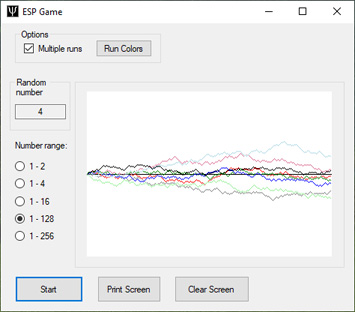
The ESP Game is a micro-psychokinesis experiment in which the user attempts to make the line move up or down.
Select single runs or multiple runs. For multiple runs, change the line colors using the Run Colors button.
Ramblings of the Universe
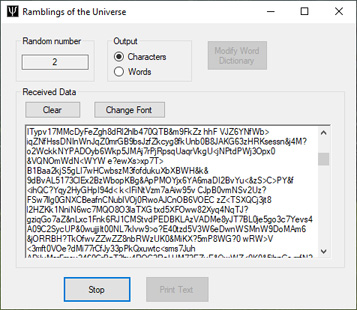
In this game, random numbers select either ASCII characters or phrases.
It has been said that a monkey hitting keys randomly on a typewriter, given an infinite amount of time, could produce the complete works of William Shakespeare. Will this game generate a work of Shakespeare? Given an infinite amount of time, who knows?
Color Screen
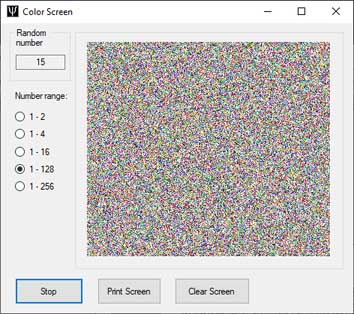
Each random number places a colored pixel on a line. The pixels advance from left to right as new numbers arrive.
At the end of each line, the program moves down one pixel and begins again at the left side. Eventually, the screen fills with randomly colored pixels.
The display was originally designed as a visual random-number check: patterns may become visible when the generated numbers are not random.
Tally
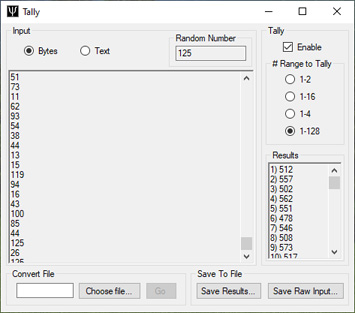
Tally checks number distribution. For a uniform random-number source, outcomes are expected to be distributed evenly across the selected range over many samples.
Select the number range to tally. When the first number arrives, the program creates a counting bin for each number in that range.
As new random numbers arrive, the program counts each occurrence and displays the bins and their totals in the results window.
Export Tally data to a spreadsheet such as Excel to examine the distribution using spreadsheet functions.
Random Walk Program for Python
The Python Random Walk program provides a version of the random walk shown above that programmers and software developers can extend or modify, including enhancements such as changing colors.
Python source file · Beta software